A realistic introduction to distributions, hardware support, applications and maintenance.
Linux is a family, not one product
A distribution combines the Linux kernel with a desktop, installer, software sources and support policy. Beginner-friendly options differ mainly in how they balance newer software, stability and the amount of manual configuration expected.
Check the applications and hardware first
Confirm that essential work software has a native version or a reliable alternative. Wi-Fi, graphics, printers and fingerprint readers deserve a quick compatibility check before replacing an existing operating system.
Start with a reversible trial
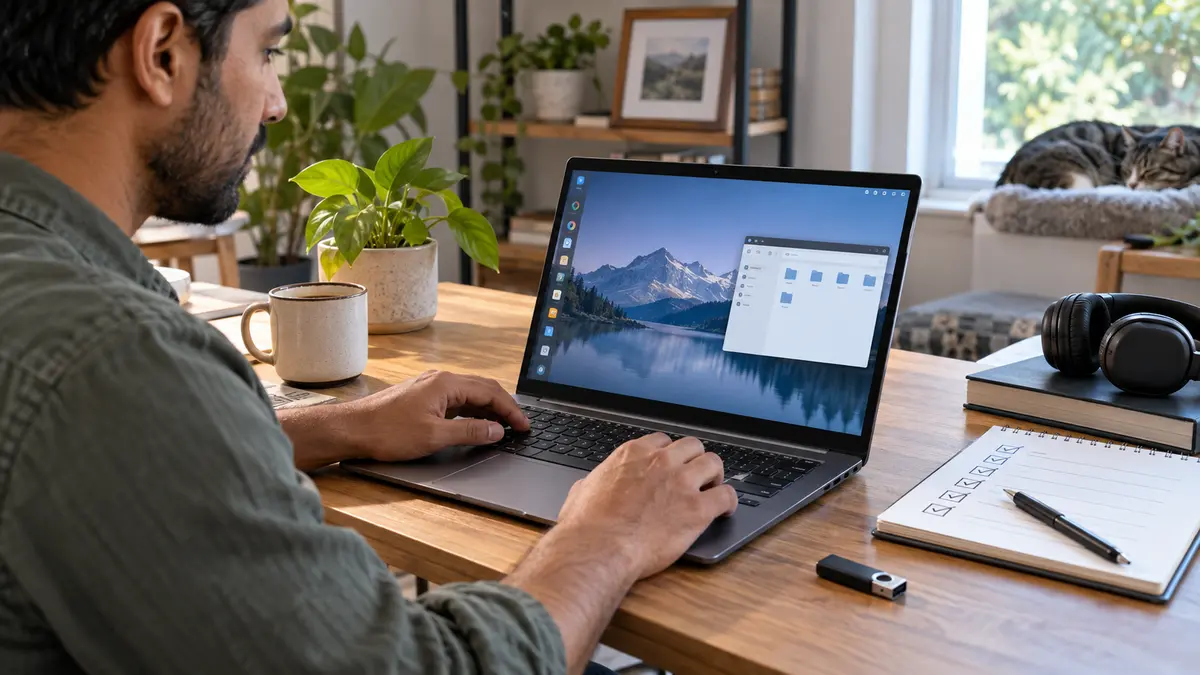
A live USB or virtual machine lets you explore the desktop without changing the computer. Back up important files before partitioning a drive, and keep recovery media available if you later choose a full installation.